RMCL
Minecraft LauncherPoC
A Minecraft launcher for exploring the Sprout native UI framework.
Also an experiment in making AI useful for new players.
If you are curious, the guide is a good place to start.
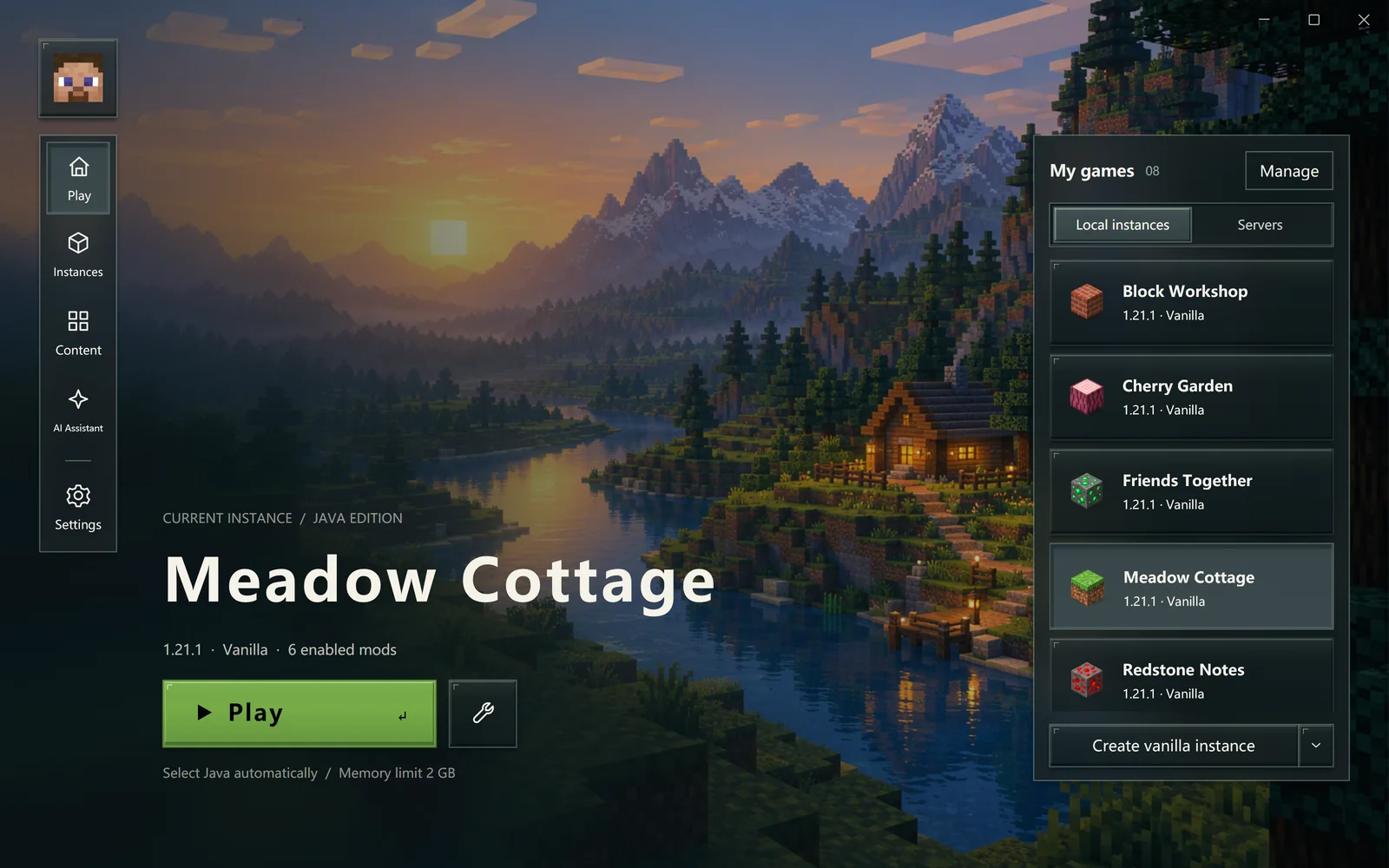
New to Minecraft?
Start with accounts, instances and game versions, then launch your first game. No command line or advanced tuning needed.
What you can explore
AI assistance
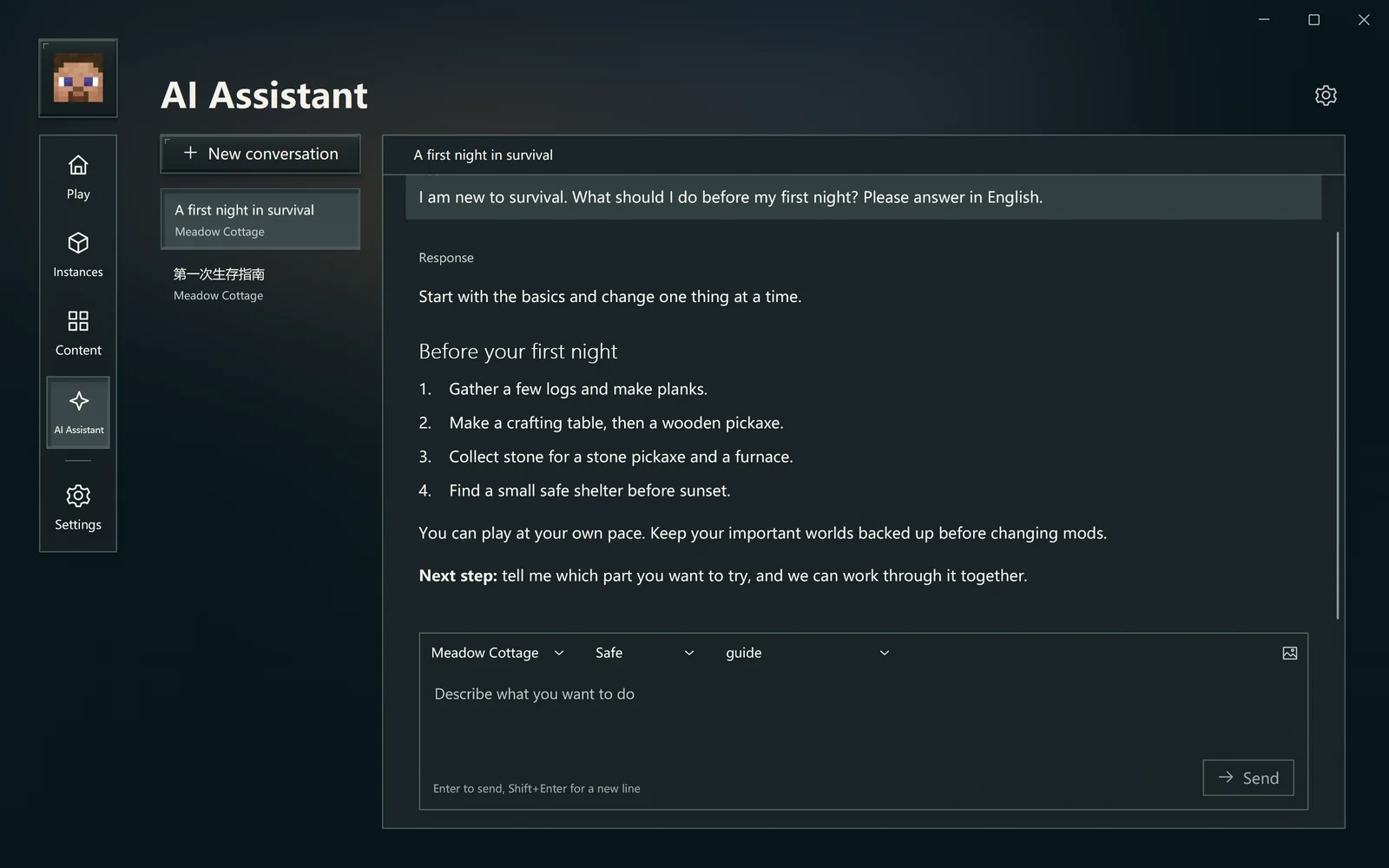
Ask questions, understand errors and find suitable content. Explore assistance that works with your game context.
The skin designer
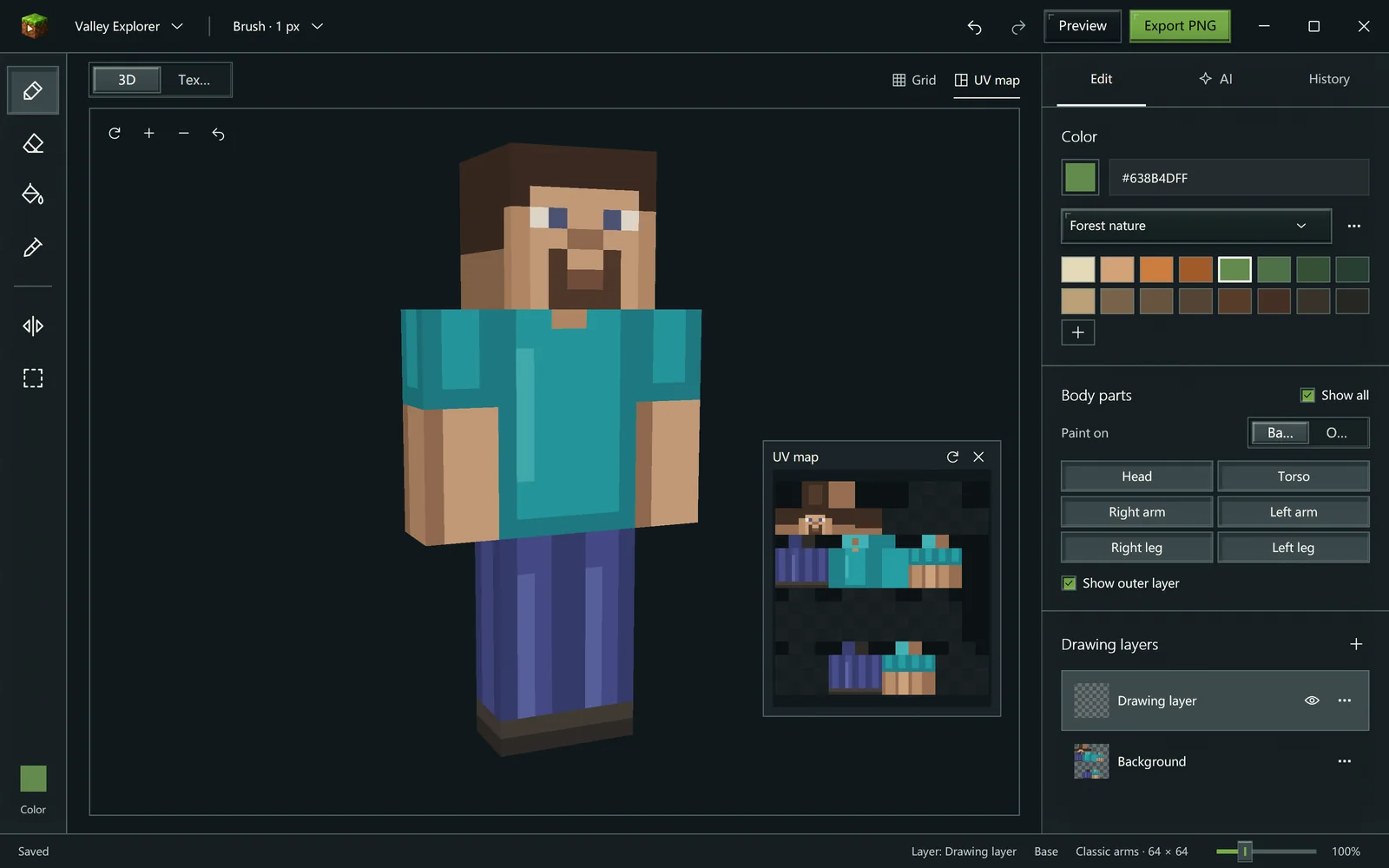
Start from a template or an existing skin. Paint in 3D or 2D, work with layers and history, and ask AI for help.
Instances & servers
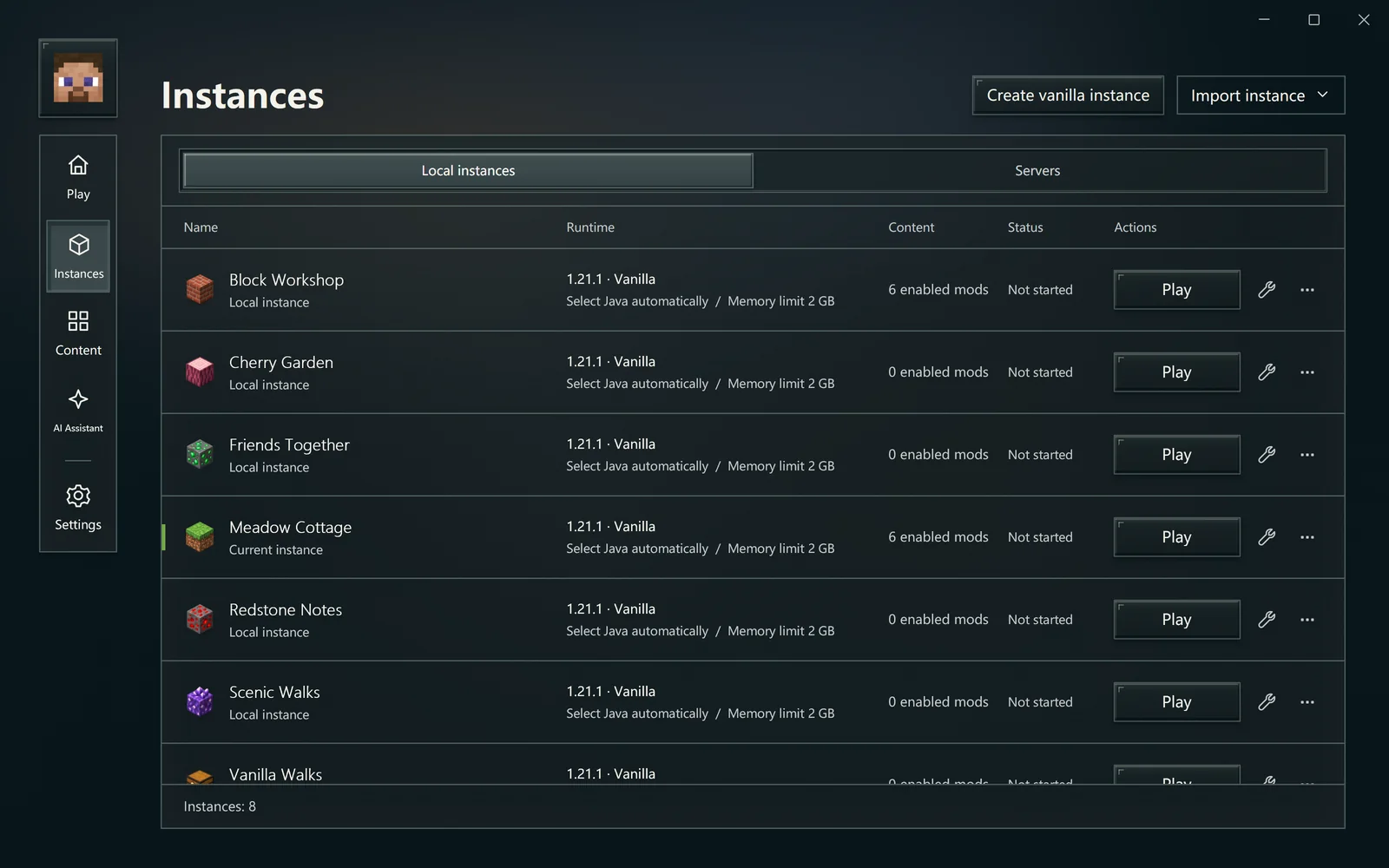
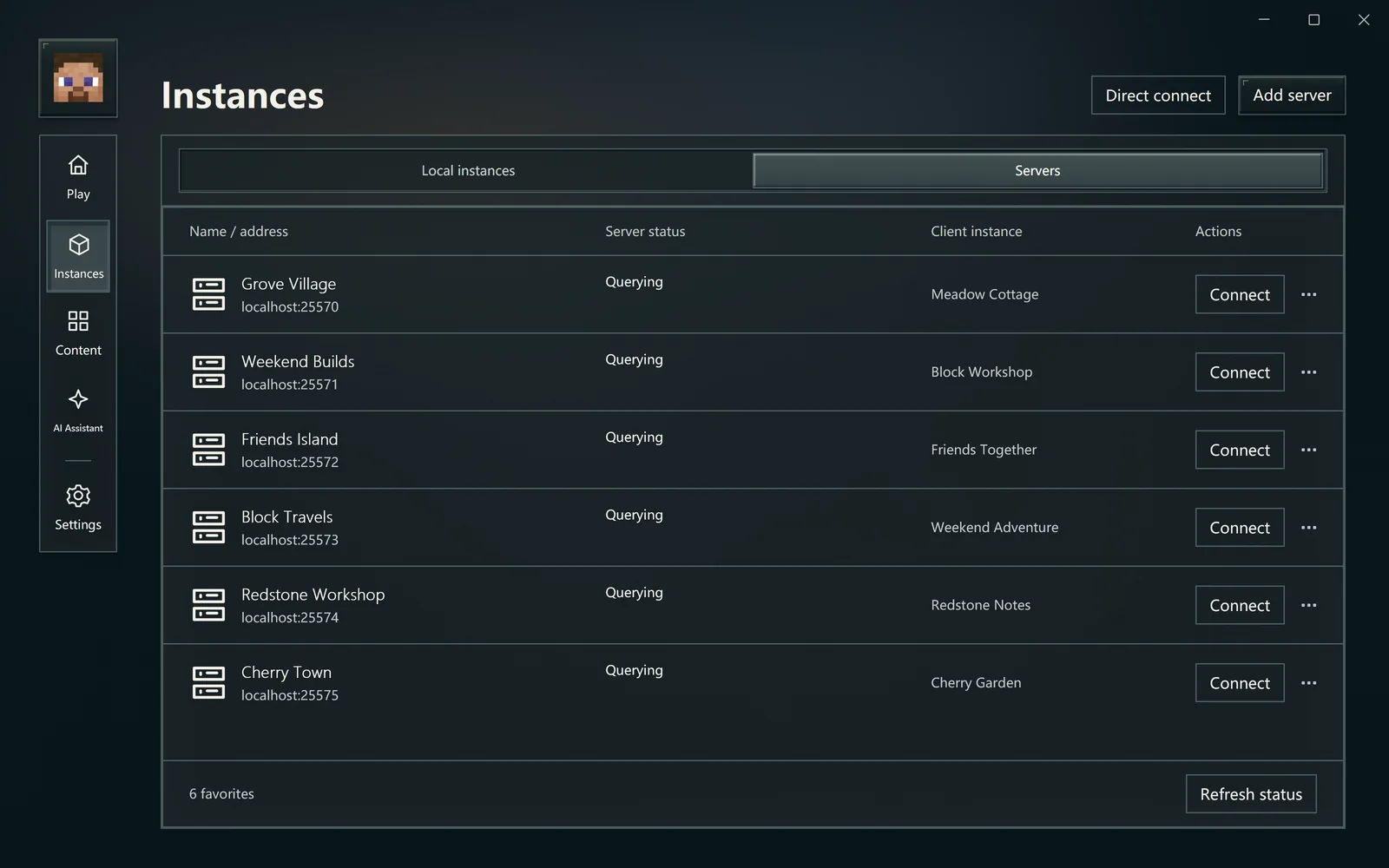
Keep versions and play styles separate. Import an existing game, save servers and choose the right client.
Mods & modpacks
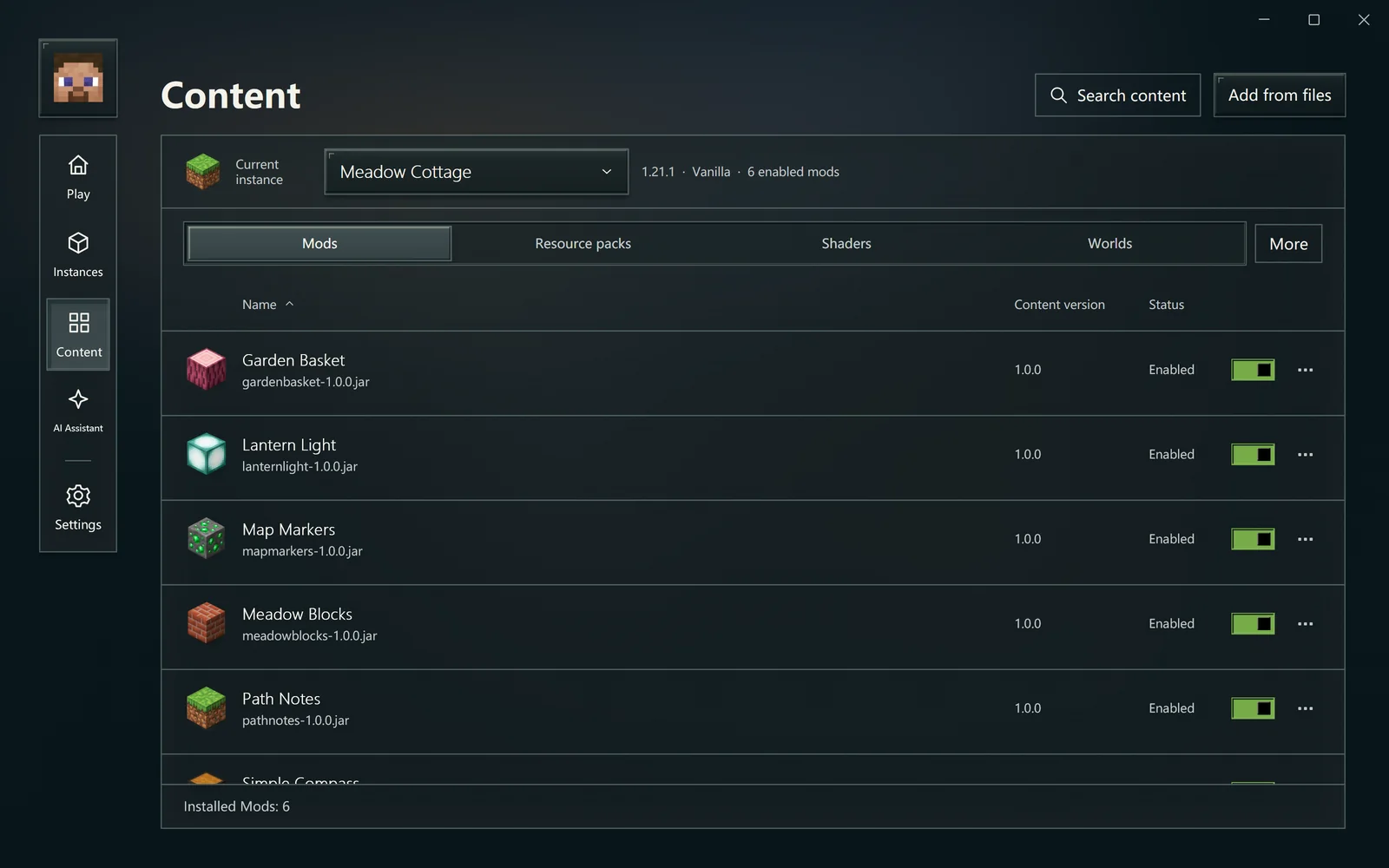
Search Modrinth, add local files or import a modpack. Review versions and dependencies before applying changes.
Inside the application
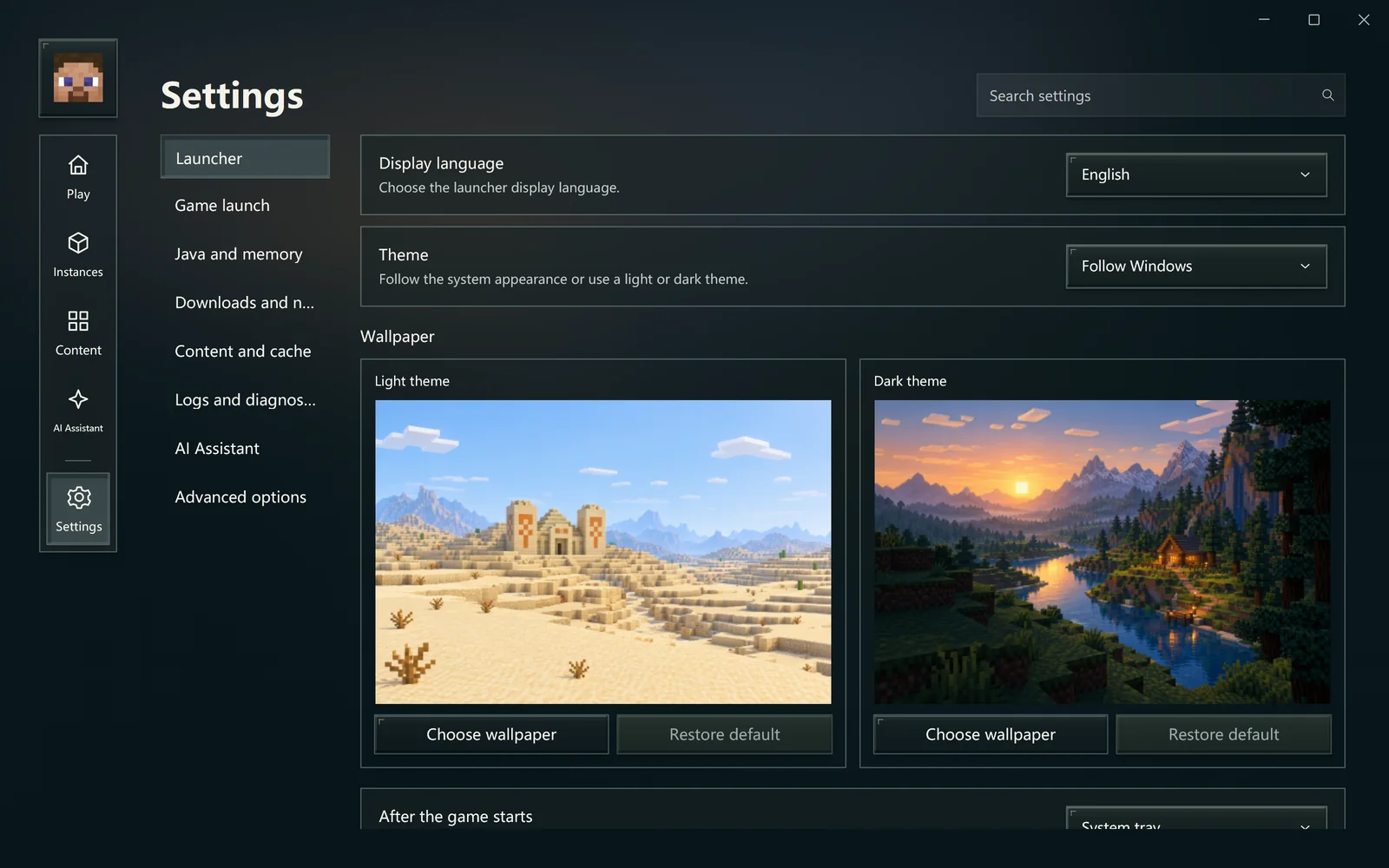
Open a screenshot to read its guide.
What we are working toward
This project is a testing ground for a UI framework. A continuing direction is practical AI help for new players: explaining problems, assisting with setup and skin creation, and interacting with the game within explicit permissions.
The guide separates current features from ongoing exploration. A PoC has limits; keep a backup of worlds that matter to you.
Project notes & current scope