
Rodel AI brings the launcher's assistant into Minecraft. Ask about nearby surroundings, items, recipes and modpack tasks without switching out to copy each name.
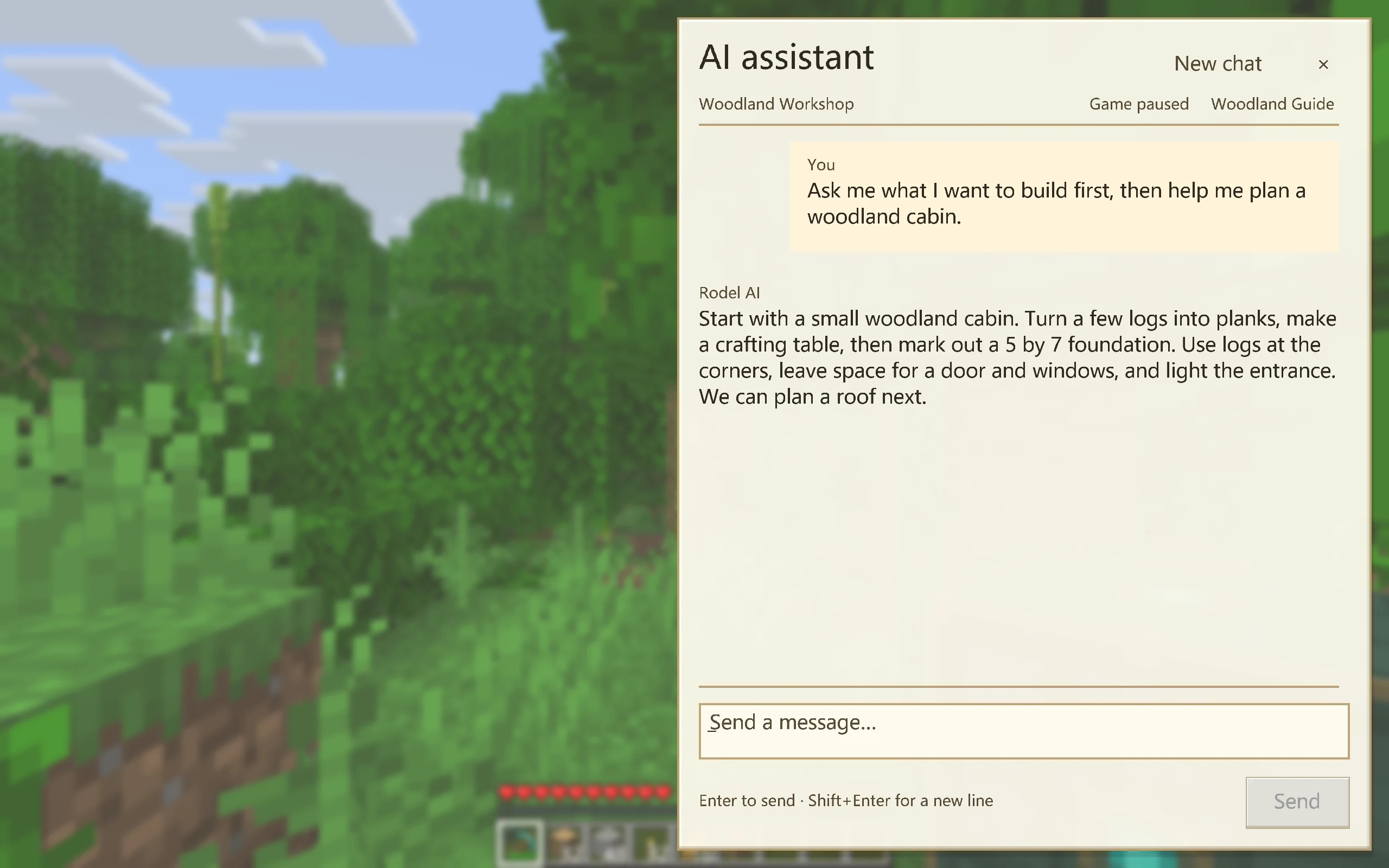
Discuss the foundation, materials and next steps without leaving the world.
Set up three things
- Add a model under Settings → AI and make it the default. New in-game messages use this selection.
- Check that the target instance's Game data bridge is not disabled. It starts enabled; if you previously turned it off, re-enable it through the instance or Settings → Launch for the next launch.
- Install Rodel AI through Content → Mods → Built-in mods, then restart the instance through RMCL.
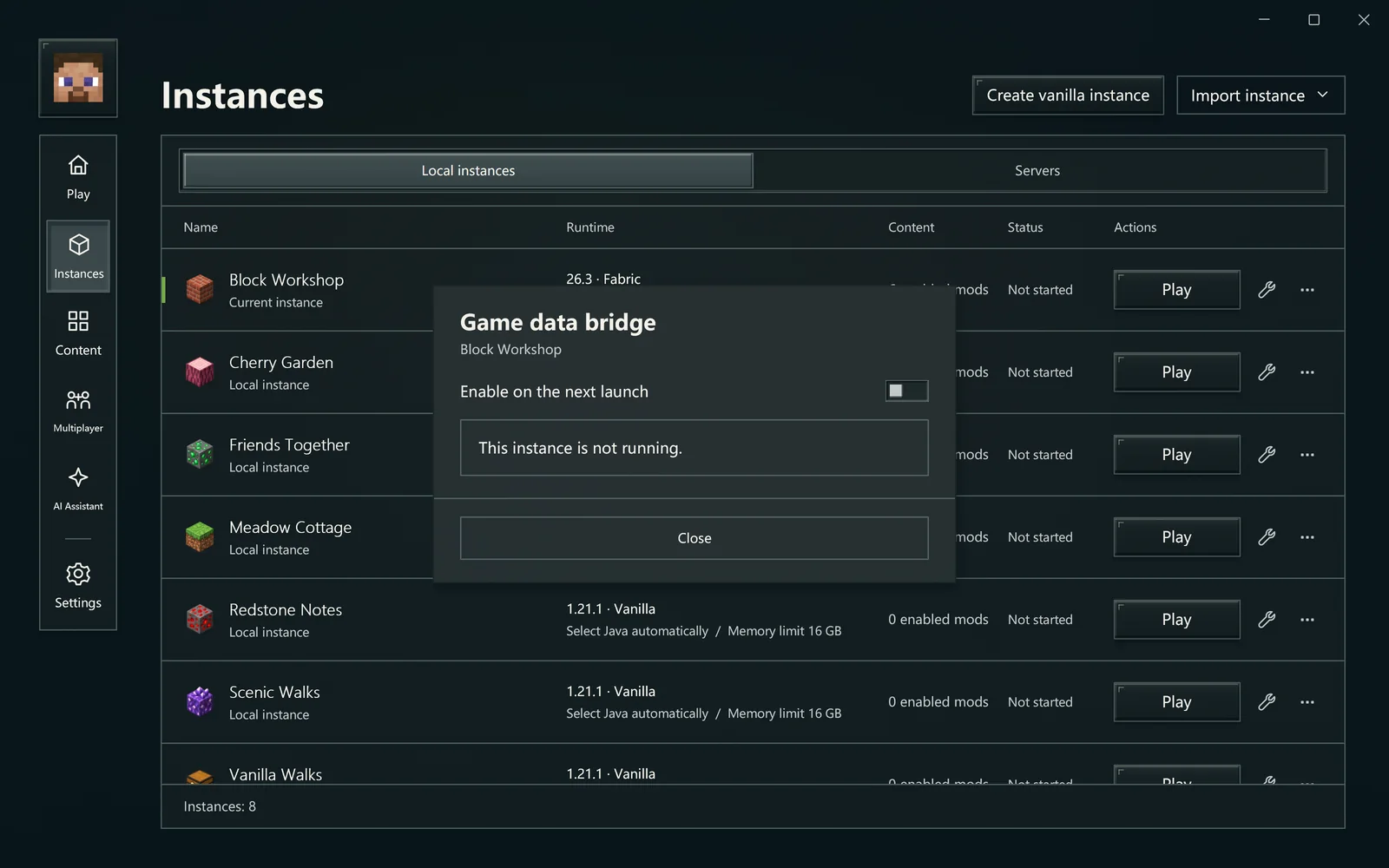
The bridge connects on the next launch. Restart a game that is already running.
Installation includes matching dependencies. Modern versions provide their own sidebar and theme settings, without requiring or installing Rodel UI. Forge 1.20.1 uses a native full-page transcript and single-line input. See built-in mods for combinations.
Ask from chat
Open Minecraft chat and type:
/rai I just entered this world. Look at my surroundings and suggest a first step.You see a response status first, then the complete answer. Ask /rai How do I use the item in my hand? to continue the same conversation. The chat box stays open after submission; Esc still closes it.
When more information is needed, the assistant asks in plain text. Your next /rai message continues the exchange.
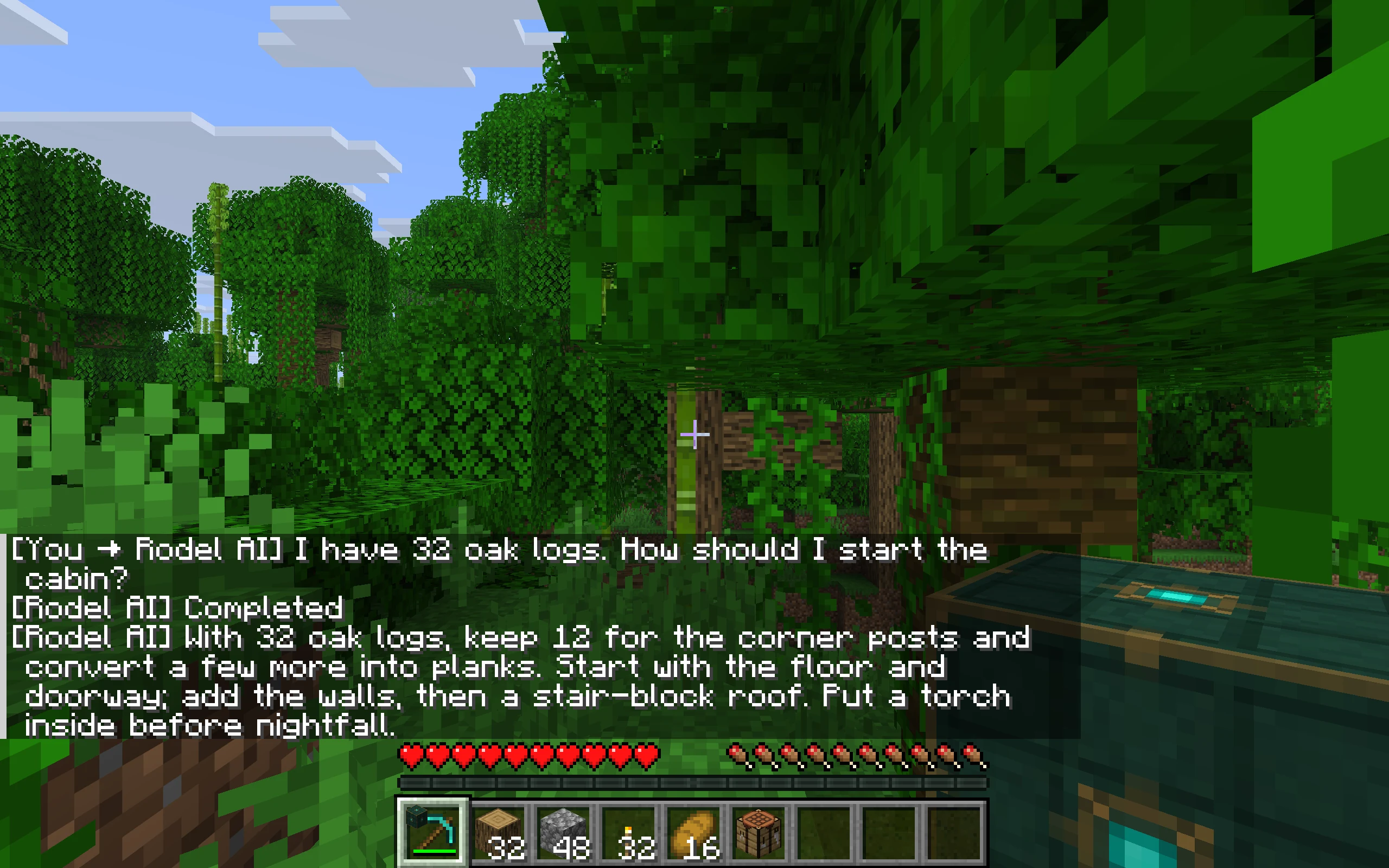
Use chat for a quick follow-up, or the panel to read the conversation.
Use the sidebar
Choose AI assistant in the pause menu, or enter /rai without a message. Modern versions show a sidebar with streaming answers, earlier messages, Stop and follow-up input.
- Enter sends; Shift+Enter adds a line.
- Reading upward stops following new content. Back to latest returns to the bottom.
- Click an answer option to submit it, or type your own answer.
- Text sent while a question is waiting answers that question.
Ordinary singleplayer worlds use Minecraft's pause behavior. Multiplayer and worlds opened to LAN keep running; the panel indicates this state.
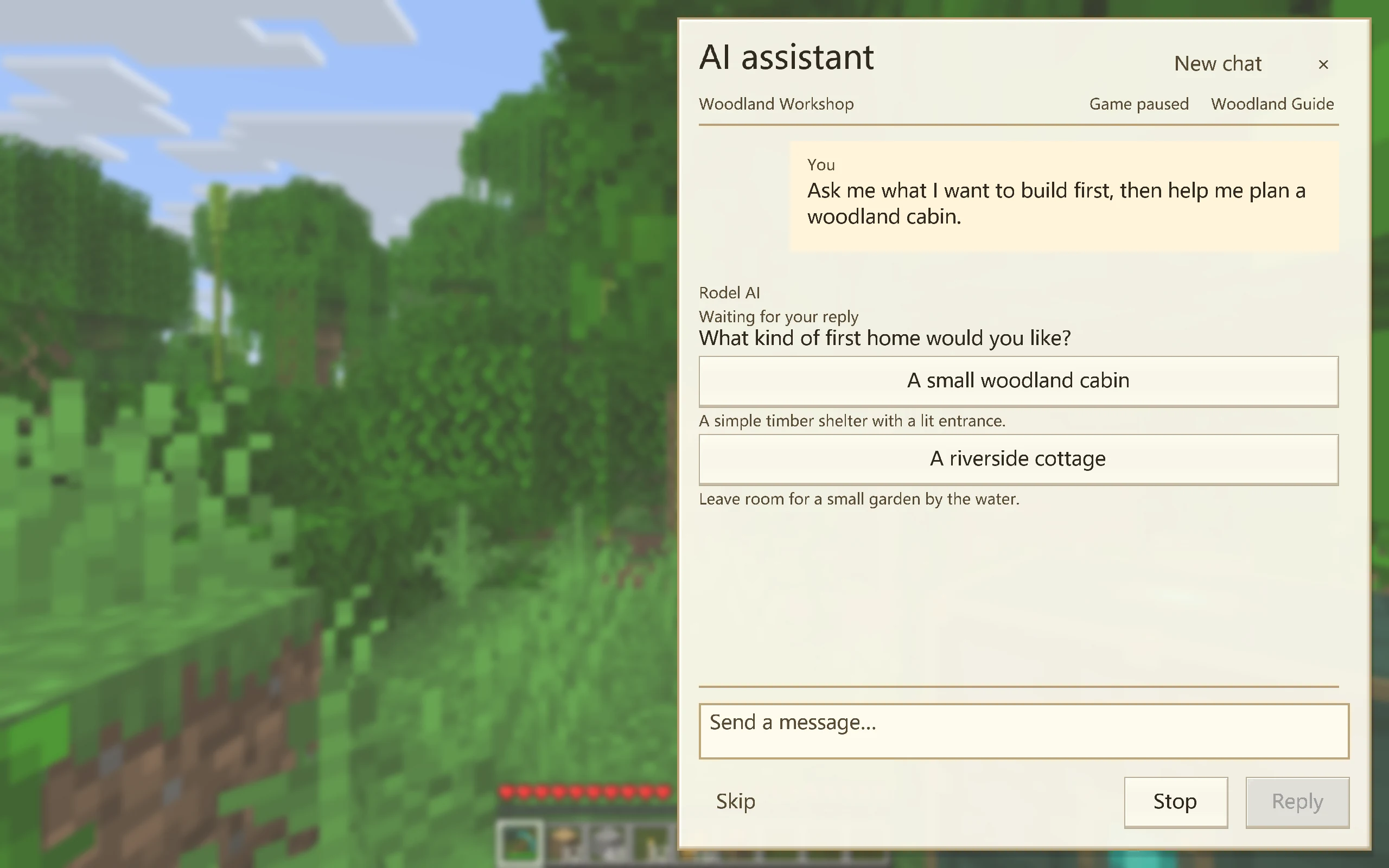
Select an option to reply, or write your own answer in the input area.
Ask about modpack recipes and tasks
Use concrete questions, for example:
Check the recipes this instance actually has for this workbench. Which ingredients should I collect first?
What does this quest require, and how much has our team completed?
Find the handbook entry for this machine and explain how to start.
The game bridge can read supported recipes, FTB quests and team progress, and Patchouli handbooks. Available information depends on the installed mods and their data. Supply the item name or interface text when information is missing.
Conversation lifetime
| Action | What happens |
|---|---|
| Switch between chat and sidebar in one world | Both use the same conversation |
| Re-enter the same save during this game process | Continue its conversation |
| Enter another save | Use that world's conversation |
Run /rai_new or choose New conversation | Clear the current world's conversation, keeping the save |
| Exit the game process | Clear that game's in-game AI history |
Launcher AI history is stored separately and persists. In-game conversations do not appear there.
Let the assistant act
The in-game entry grants game-operation permission for that turn, so it does not ask separately for each game instruction. Commands still follow Minecraft's cheats setting and player permissions. Multiplayer servers remain read-only through this entry, including for an operator.
Precise file-scope confirmations still appear separately. Try world or item changes in a disposable local world first, with a bounded request such as “set the time to day.”
If no answer appears
Check that the default model answers in the launcher, then confirm the instance has the bridge enabled and has been restarted. Waiting for a world at the title screen is normal. Check model connection errors in the launcher's service settings. Before retrying a game change, inspect what already happened in the game.