
Want a different landscape at the start of a world? World Reroll creates a world with a new seed while keeping your chosen game settings, then takes you there.
Choose a new opening
Press Esc in a singleplayer world and select Reroll. Choose one of two spawn preferences:
| Option | Your new opening |
|---|---|
| Random spawn | Start at the new seed's natural spawn |
| Near a village | Start on safe ground near a village; locating it can take some time |
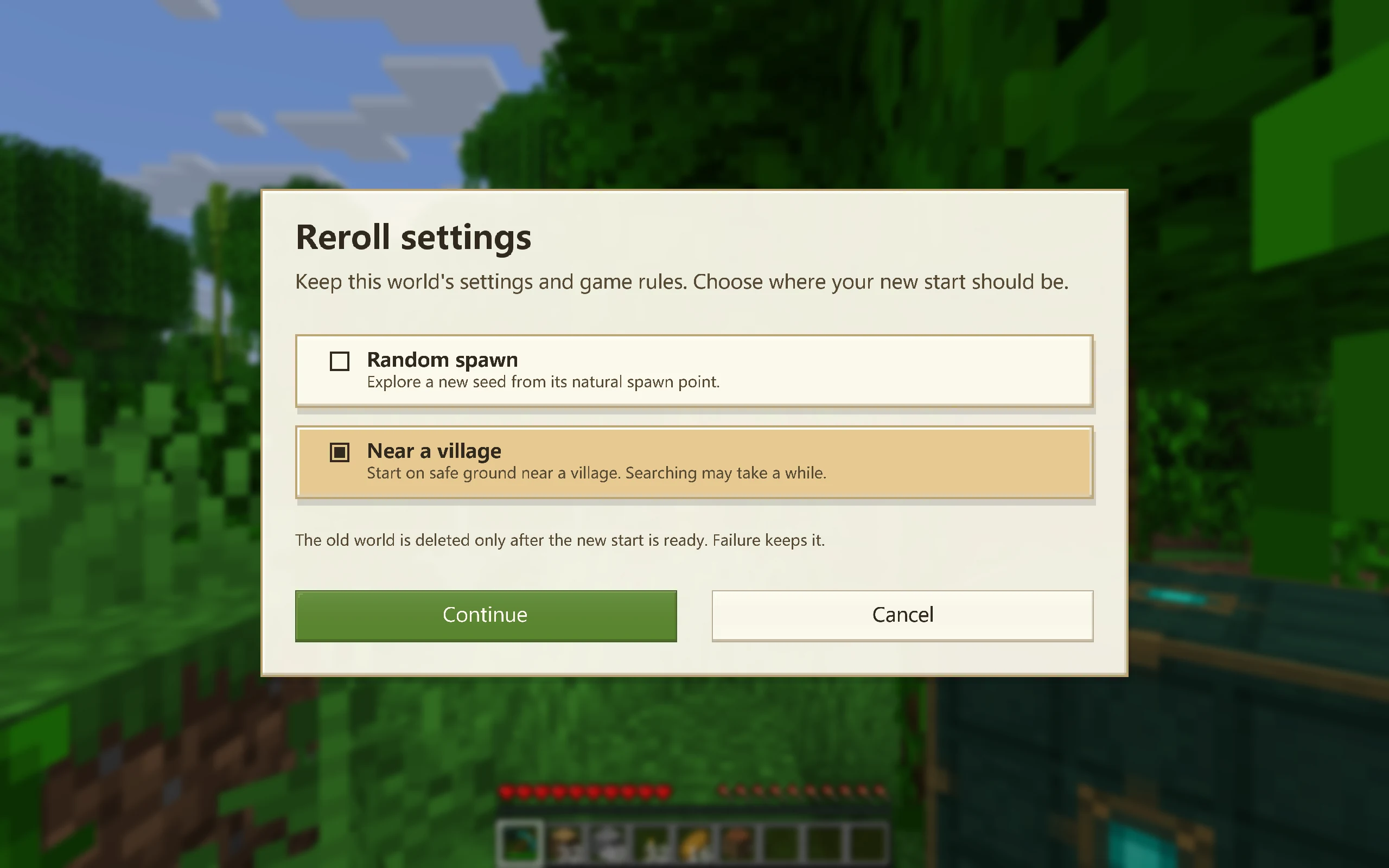
Select a card, then Continue. Cancel returns to the original pause menu.
Reroll keeps game mode, difficulty, game rules, generation settings and data packs while changing the seed. The village option requires structure generation.
Read the confirmation
After Continue, the confirmation names the current world and describes the reroll. Cancel or Esc returns to the settings you just chose.
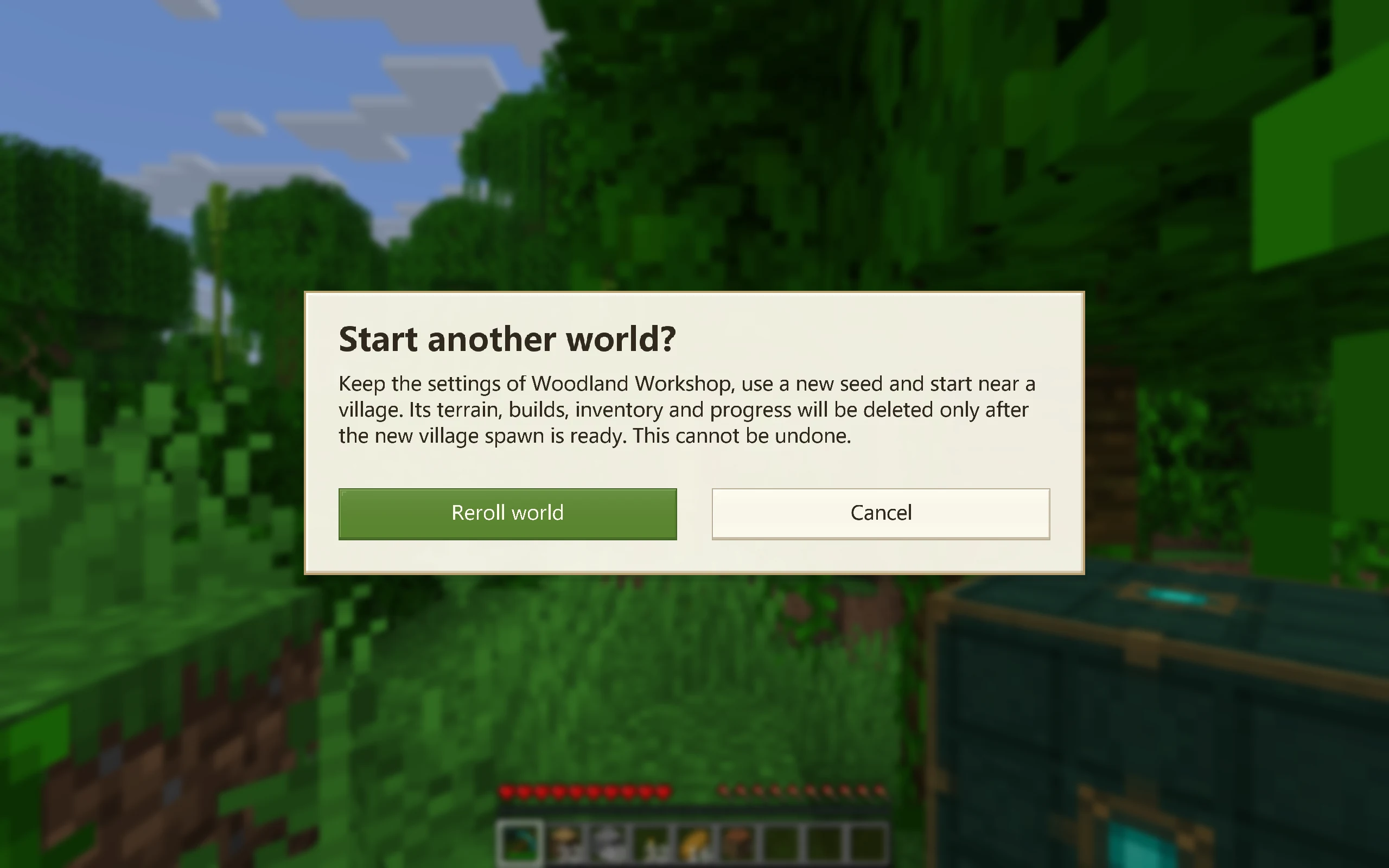
Generation starts after confirmation; the exact source save is removed only after the new world is ready.
A failed creation or village search keeps the source world. Read the error, then return to that world or adjust the conditions before trying again. Reroll is unavailable on multiplayer servers and worlds opened to LAN.
Start near a village without rerolling
When creating a world, enable Spawn near a village under World. This uses the seed you entered and adjusts the initial spawn after generation. It does not delete other worlds and also requires structure generation.
Installation and appearance
Choose World Reroll in the built-in mod installer. It runs independently without Rodel UI. Its own configuration owns theme selection rather than reading Rodel UI settings. Removing Rodel UI does not remove the reroll feature.